Upgrade Information
Version 3.6.26 02/04/2026
- Supports exporting Live Photos.
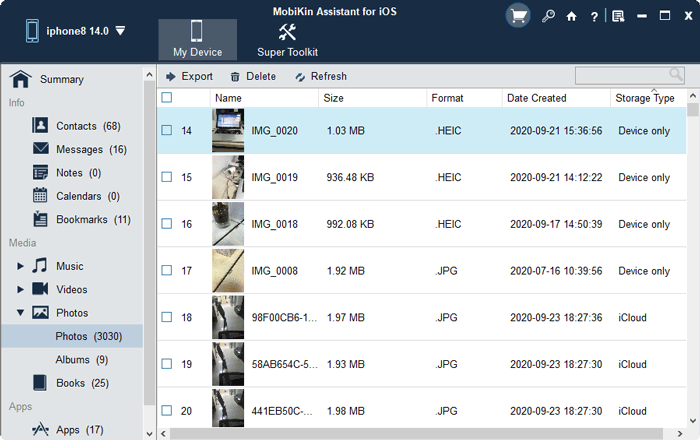
- Supports displaying image thumbnails.
- New signature update.
- Fixed potential crash issues.
- Fixed other issues.
Version 3.6.15 09/25/2025
- Supports SMS loading on iOS 26.
- Fixed some bugs.
Version 3.6.10 09/16/2025
- Fixed detailed problems with contact groups.
- Other minor improvements.
Version 3.5.18 06/05/2025
- Fixed the crash issue when searching and exporting e-books.
Version 3.5.16 05/07/2025
- Fixed false low storage alert that appeared while loading SMS messages.
Version 3.5.15 04/28/2025
- Fixed the display issue when choosing backup folder.
Version 3.5.12 03/04/2025
- Fixed the display issue of music playlist names.
Version 3.5.10 02/14/2025
- Optimized the image export function.
- Supports asking whether to turn on iCloud before restoring.
- Fixed potential crash issues.
- Fixed other bugs.
Version 3.2.56 12/12/2024
- Fixed potential crash issue.
Version 3.2.55 11/13/2024
- Supports Korean, Russian, Indonesian, Hindi, Turkish and Dutch.
Version 3.2.47 05/16/2024
- Optimized the installation process.
- Fixed the crash issue.
- Fixed an issue where certain categories of files could not be exported successfully.
Version 3.2.43 04/19/2024
- Fixed an issue where the system gets stuck when scanning text messages on some devices.
Version 3.2.41 04/09/2024
- Optimized the loading of SMS conversations.
- Fixed the problem of failure to transfer eBooks to iOS devices.
Version 3.2.37 03/21/2024
- Fixed the crash problem during the process of extracting backup data.
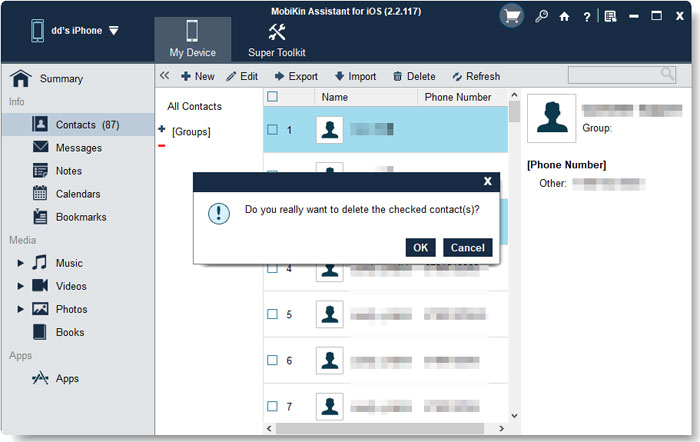
- Fixed the issue where the process stops when deleting a large number of contacts.
Version 3.2.31 03/13/2024
- Optimized the loading of text messages, memos, and voice memos.
- Optimized the display of picture thumbnails and fix the problem of possible data loss when loading photo albums.
Version 3.0.18 02/04/2024
- Optimized the installation process.
Version 3.0.15 01/23/2024
- Fixed the issue of recognizing voice memos in iOS 17.
Version 3.0.14 01/18/2024
- Fixed some SMS recognition issues.
Version 3.0.11 01/15/2024
- Supports French, German, Italian, Spanish, Portuguese, and Traditional Chinese.
Version 2.10.7 03/31/2023
- Fixed some bugs.
Version 2.10.5 03/01/2023
- Optimized the bubble text when exporting SMS html files to be displayed as word line breaks.
Version 2.9.9 03/03/2022
- Support to scan voice memos on iOS15+.
- Support to scan memos on iOS10+.
- Fixed memory leak and possible crash issues.
- Optimized the loading progress bar.
Version 2.9.5 06/04/2021
- Optimized thumbnail loading to reduce memory consumption and loading time.
Version 2.9.3 05/31/2021
- Supports converting into JPG format while exporting HEIC pictures.
Version 2.8.16 04/19/2021
- Fixed bugs.
Version 2.8.15 03/16/2021
- Fixed potential crashes.
Version 2.8.13 01/06/2021
- Fixed some bugs.
Version 2.8.9 12/14/2020
- Fix the problem of not recognizing voice memos on iOS 14.
Version 2.8.6 09/29/2020
- Fixed some bugs.
Version 2.8.2 09/25/2020
- Support iOS 14.
- Fixed the display problem of iCloud thumbnails.
- Fixed the unrecognition problem of some albums.
Version 2.7.45 09/03/2020
- Optimize the download of the driver.
- Fix the problem that some iCloud pictures cannot be detected.
- Optimize the management of contacts.
- Fixed bugs.
Version 2.7.38 08/06/2020
- Fixed some bugs.
Version 2.7.29 07/21/2020
- Added support for HD DPI screen display and Chinese language.
- Optimized photo management function.
- Fixed some bugs.
Version 2.6.21 01/08/2020
- Optimized the Apple driver installation.
- Added the list sorting function.
- Updated signature.
- Optimized other details.
Version 2.2.123 11/05/2019
- Fixed some bugs.
Version 2.2.121 09/20/2019
- Fixed the eBook disorder if importing.
- Fixed the failure to search data.
- Optimized the device reconnection.
- Support to read and write 4GB files.
- Fixed the title error when importing eBooks.
- Fixed the failure to load messages.
- Support iOS 13.
Version 2.2.117 09/05/2018
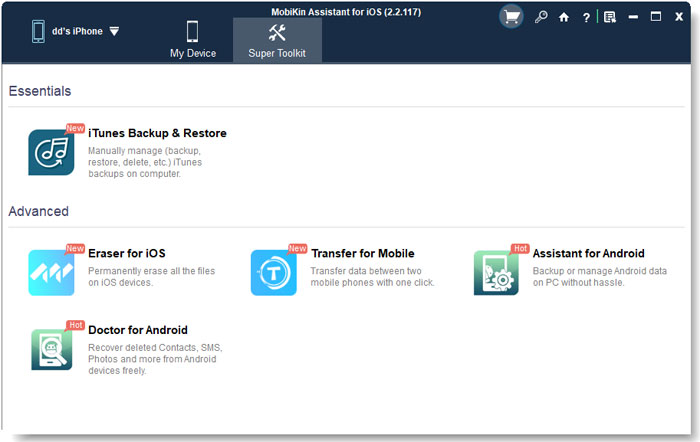
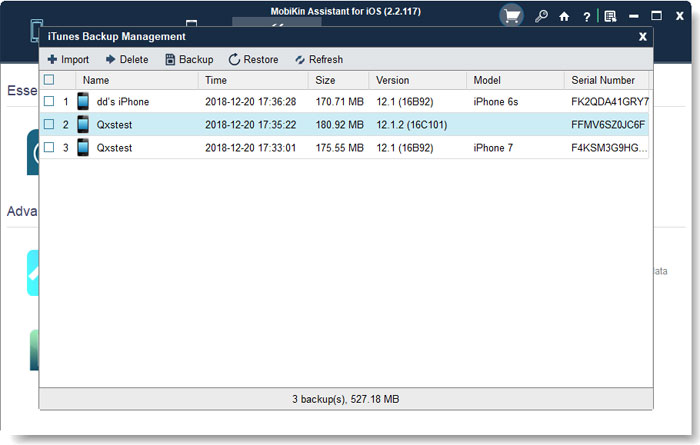
- Update Toolkit.
Version 2.2.115 07/12/2018
- Fix some bugs.
Version 2.2.113 07/6/2018
- Fix the memory leaks problem if disconnecting the device during the SMS loading process.
Version 2.2.110 06/26/2018
- Fix the failure of loading other types of file while loading SMS.
Version 2.2.106 06/07/2018
- Fix the failure to pop up the authorization interface after the rejection.
- Fix the problem that cannot load other types of file while scanning SMS.
- Filter out the Wi-Fi connected devices.
- Fix drag and drop eBook problem.
Version 2.2.104 05/23/2018
- Fix some bugs.
Version 2.2.102 04/26/2018
- Fix the process bar gets stuck problem while loading a great deal of text messages.
Version 2.2.95 02/06/2018
- Fix registration displaying problem, list check box issue, bookmark directories and number refreshing problem.
Version 2.2.92 02/01/2018
- Modify the prompt on registration interface.
Version 2.2.90 01/26/2018
- Fix some bugs.
Version 2.2.89 01/16/2018
- Optimization of loading SMS.
Version 2.2.43 12/26/2017
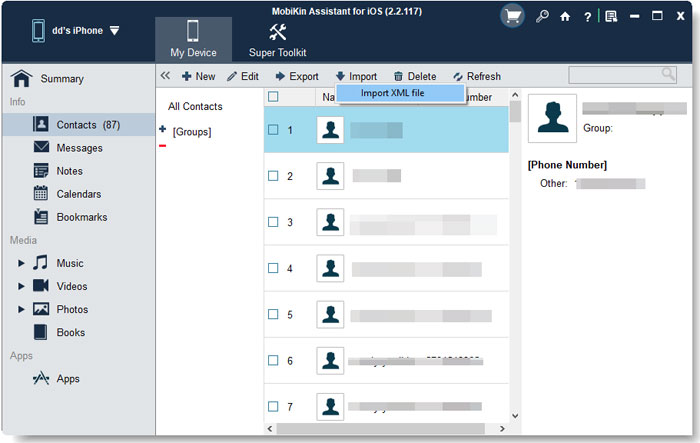
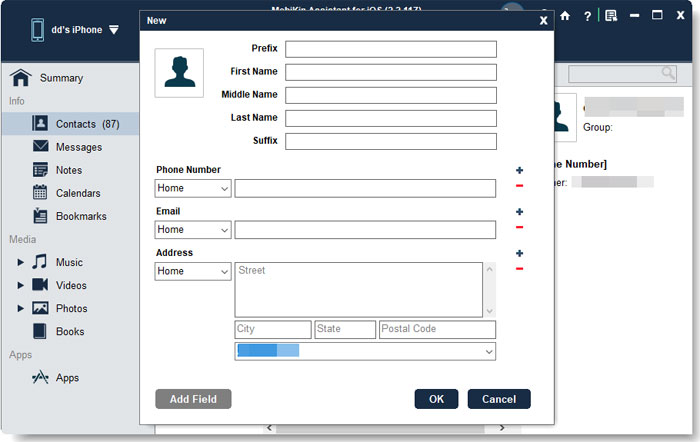
- Support to add, edit, delete, group contacts;
- Support to import and create notes;
- Support to delete calendar;
- Support to add, edit and delete bookmarks;
- Support to delete photos;
- Support to export all photos at one time;
- Support to import and delete books;
- Support to edit the device name.
Version 2.0.77 12/22/2017
- Fix the crashing issue of calendar.
Version 2.0.68 08/18/2017
- Fix the message loading crash issue for some model.
Version 2.0.67 07/24/2017
- Fix potential identification and SMS exporting issue.
- Fix potential ePub generating issue.
Version 2.0.60 07/14/2017
- Fix some bugs.
Version 2.0.53 05/26/2017
- Redesign the whole interface and support more output format in this version.
- Import contacts, calendars, bookmarks from PC to iPhone, iPad or iPod.
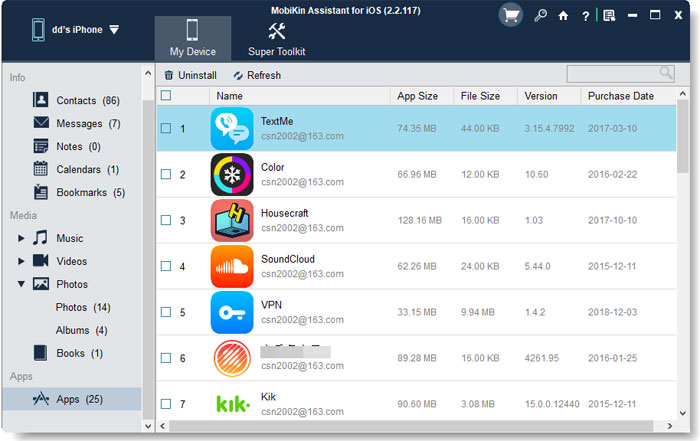
- Access and view apps on the computer.
- Have been tested to compatible with all iDevices that are running on iOS 4, iOS 6, iOS 7, iOS 9, iOS 10.
- 1-Year and Lifetime license code is available.
Version 1.0.35 11/28/2016
- Compatible with iOS 10.
How to Upgrade?
Can I upgrade the software for free after I purchase it? If so, how?
Yes, you can update the software for free. To achieve this goal, you have two methods:
1) Open the program and then go to Menu > Check for Updates. If there is a new version available, tap on Update Now.
2) When you launch the software, you will receive a download link if there is a new version available. Just tap on the link to update the tool.
Note: Registration information you purchased for the old version is valid for the upgrade version.