
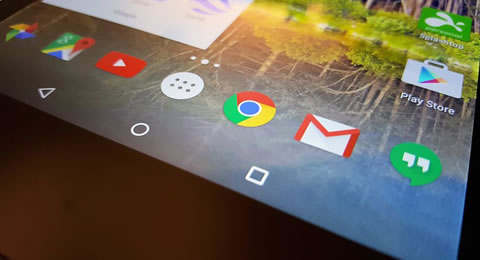
Backing up all your personal data like text messages, contacts, photos, music, apps, etc. from Android phones & tablets to computer could be an ideal way to avoid losing data accidentally. And sometimes you also need to share files between the device and desktop computer. So just go through the tips in this center to find all your want.
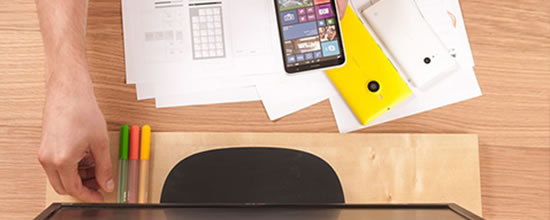
Copying contacts from Android to PC is no longer a problem. Stick with us to the end of this passage, and you'll know how to transfer contacts from Android to PC with 5 optimal ways here.
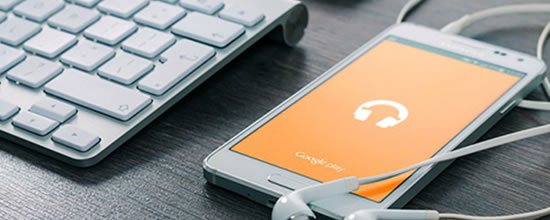
Any idea how to copy Android text messages/SMS to a PC quickly? Focus on this easy tutorial to learn how to transfer text messages from Android to computer with the 7 striking ways.
Here's how to enable Developer Options and USB Debugging on TECNO, Infinix, and itel smartphones, step by step. This will give you access to advanced settings, perfect for app development and troubleshooting.
Here's how to enable USB Debugging and Developer Options on any TCL phone running Android 6.0 or higher. Follow these simple, step-by-step instructions, and find helpful troubleshooting tips if needed.
Don't know how to put photos, videos, and movies on Galaxy Tab from a PC/laptop? Focus on this article to learn how to transfer files from PC to Samsung tablet with the 7 trouble-free ways.
Is there a stable way to connect an itel to a MacBook without difficulty? Yes. Here are the top 5 ways on how to connect itel to Mac. Check them out to make the connection a breeze.
In this post, you'll learn 5 proven ways on how to transfer messages from Android to Mac. If you're planning to do that, you can give priority to #1, for it is the most fabulous method.
Any idea how to perform TECNO contact backup and restore? Yes, of course. This passage covers the 5 best methods to back up and restore contacts on TECNO Spark/Camon/Pova/Phantom series.
Are there any KDE Connect alternatives to help transfer data between Android and PC easily? Yes. This guide delivers the 7 best replacements for KDE Connect, including the most admirable one.
Can I copy music from MacBook to itel P60/P55/City 200/A200/A100/S25, etc? Yes, adhere to this passage to learn how to transfer music from Mac to itel quickly with minimum effort.
Want to transfer photos from Android to Mac wirelessly but don't know how? Check out this post to learn 6 verified ways on how to upload pics to MacBook from an Android phone without a cable.
Don't know how to manage music on Android phones or tablets? This article shows you the top 8 Android music manager software and apps to help you manage songs on Android easily.
It is easy to import CSV contacts to Android device with the transfer tool mentioned in this post. Now follow this post to learn the 4 easy ways on how to import CSV contacts to Android.
Made a backup for WhatsApp and now need an excellent WhatsApp backup extractor to retrieve it? Check out this passage to learn the 9 best WhatsApp extractors for Android and iPhone.
Do you want to manage TECNO Phantom V Fold, Spark, TECNO Camon 50, Pova series contacts on a PC? This passage explains how to edit TECNO phone on computer in 4 easy and quick ways.
Want to export contacts from Infinix Hot/GT/Note/GT/Smart/Zero to PC, phone, SIM, Google, etc? Go through this article to find the 4 most desirable ways to make exporting easily.
Is there a Samsung PC Suite for Windows 11/10/8/7? Focus on this page to learn the 7 best Samsung PC suites. After that, pick your desired one to back up or manage your phone with ease.