
Top 7 EaseUS MobiSaver for Android Alternatives [Must-read]
If you've ever tried to recover lost data from your Android device, you might find EaseUS MobiSaver for Android scans to be slow, especially on large storage devices. For many users, this can be frustrating when time is of the essence or when important files are at risk. Others may simply want a better data recovery program that offers broader file type support, works without rooting, or provides more intuitive features.
Today, we shall offer 7 reliable EaseUS MobiSaver for Android alternatives that can help you recover contacts, messages, media, and more, often faster and with higher success rates than EaseUS.
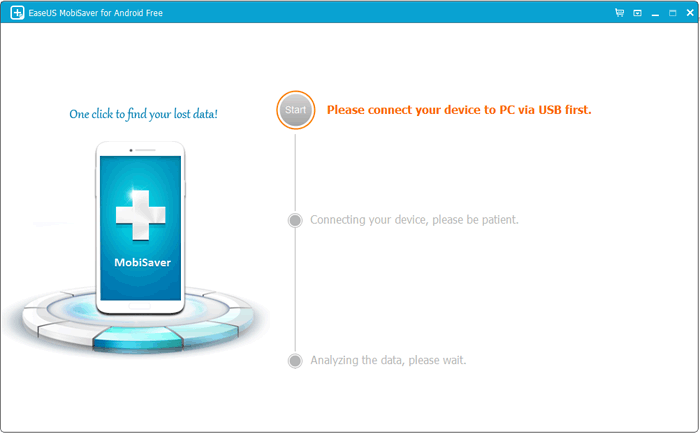
#1: Best EaseUS MobiSaver for Android Alternative - Doctor for Android
When Android users lose photos, messages, contacts, or other content, MobiKin Doctor for Android (Win or Mac) is often recommended as a reliable solution that can scan both phones and tablets for recoverable data. It supports retrieval from internal storage and SD cards, even if files were deleted accidentally.
The software is also known for its intuitive interface that makes the recovery process simple for beginners. Many users appreciate that it helps restore data quickly and safely without overwriting existing files.
What Can MobiKin Doctor for Android Do for You?
> Quick and deep scans of internal storage and SD cards.
> Recovers photos, videos, SMS, contacts, call logs, WhatsApp, and documents.
> Preview files before selective recovery.
> Works on rooted and non-rooted devices.
> Supports many Android brands and versions (8,000+ devices).
> Beginner-friendly, intuitive interface.
> Back up and conveniently export data to a PC.


How to Recover?
- To begin, install and launch MobiKin Doctor for Android on your computer, then connect your Android device via a USB cable.
- Follow the on-screen instructions to ensure that the program detects your device, and if necessary, enable USB debugging on your phone. (What should you do if your phone is not recognized by the PC?)
- After successful recognition, choose the types of data you wish to recover and click Next, then select a scanning mode and press Continue to initiate the scan.
- If the program fails to find deleted files, root your device when prompted to perform a more thorough scan of the internal memory.
- Once the scanning process is complete, preview the files that can be recovered, select the items you wish to restore, and click Recover to save them to your computer.
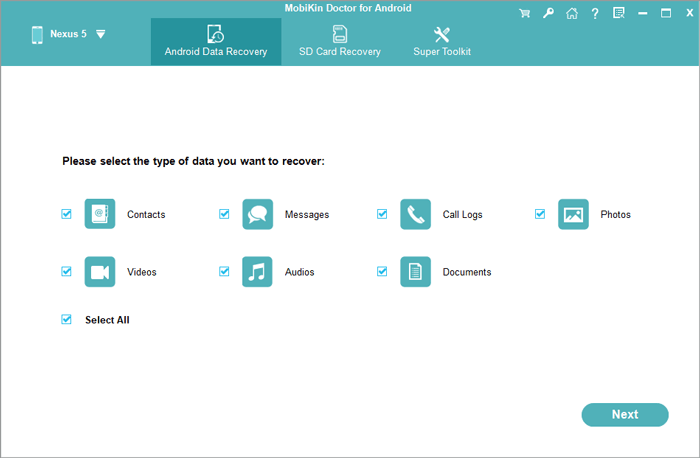
Video Guide:
Its Comparative Advantages over EaseUS MobiSaver for Android:
- Well supports a wider range of the latest Android versions and devices.
- Strong alternative to EaseUS MobiSaver with broader support and better compatibility.
- More frequent performance updates and better after-sales service.
Pricing Plans:
- 1-Year License (1 PC): $49.95.
- Lifetime License (1 PC): $59.95.
- Business/Multi-User Licenses available at higher tiers.
- Free trial available for scan/preview.
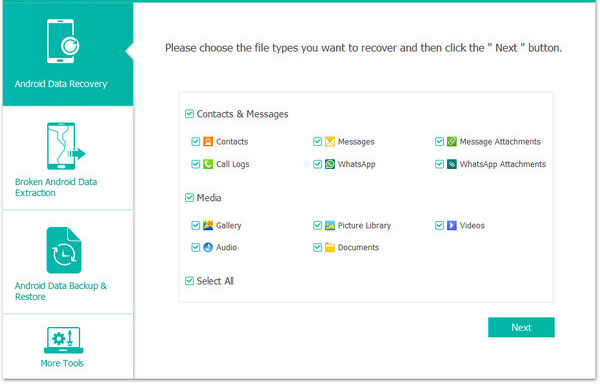
#2: Android Data Recovery
Designed to help users restore important files after accidental deletion or system issues, Android Data Recovery enables the recovery of deleted WhatsApp chats, photos, messages, contacts, call logs, and more from Android phones or tablets even when your phone has performed a factory reset. It supports scanning both internal storage and SD cards, making it useful in a wide range of data-loss scenarios.
The software also allows users to preview files before restoring them so only the needed items are recovered. With its intuitive interface and broad device compatibility, it offers a convenient way to rescue lost Android data.
Its Comparative Advantages over EaseUS MobiSaver for Android:
- Typically offers both quick and deep scan modes for faster results.
- Provides broader compatibility across more devices and platforms.
- Allows recovery of more file types, including app data.
- Supports more targeted scanning to reduce scan time.
Pricing Plans:
- 1-Month License (6 devices/1 PC): $19.90.
- Lifetime License (6 devices/1 PC): $49.96.
- Lifetime License (6 devices/3 PCs): $79.00.
- Free trial available.
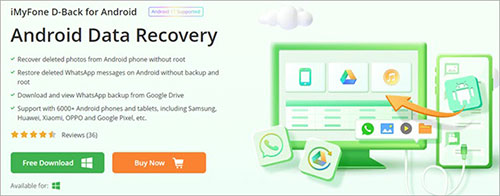
#3: iMyFone D-Back for Android
Among modern recovery tools, iMyFone D-Back for Android stands out for being able to restore lost data from broken, damaged, or normally functioning devices. It supports the recovery of WiFi, chats, media files, and other content from both rooted and non-rooted phones.
The program provides selective recovery so users can preview files before restoring them. This tool is especially helpful for those who need to rescue important data after unexpected loss.
Its Comparative Advantages over EaseUS MobiSaver for Android:
- Recovers WhatsApp and other app chats even without prior backups.
- Works on both rooted and non-rooted devices.
- Can extract data from Google Drive backups.
- Supports a wider variety of file formats and data types.
Pricing Plans:
- 1-Month Plan: about $29.95.
- 1-Year Plan: about $39.95.
- Lifetime Plan: about $49.95.
- Free trial supports scanning only.
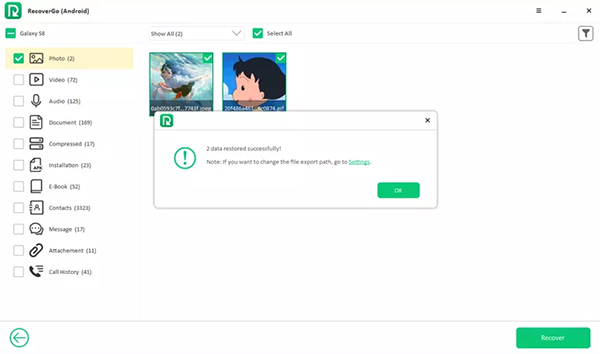
#4: iToolab RecoverGo (Android)
When dealing with accidental deletion, system errors, or a faulty update, iToolab RecoverGo (Android) helps users retrieve missing files from their devices with ease. It can recover WhatsApp chats, photos, and other data from both internal memory and SD cards. People also find its recovery process simple thanks to clear on-screen instructions. It is designed to support a wide range of Android tablets and phones.
Its Comparative Advantages over EaseUS MobiSaver for Android:
- Restores WhatsApp and WhatsApp Business data without needing backups.
- Helps recover data from broken or system-damaged devices.
- Allows preview and selective recovery before restoring.
- Works safely in most cases without requiring root.
Pricing Plans:
- 1-Month Plan: $35.95.
- 1-Year Plan: $39.95.
- Lifetime Plan: $49.95.
- Free trial included for preview.
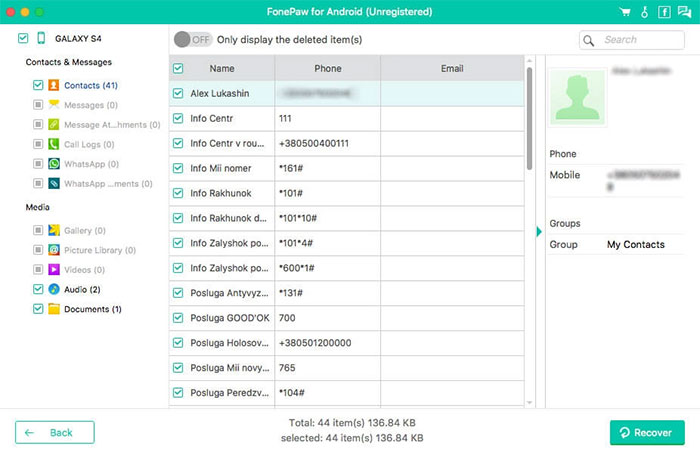
#5: FonePaw Android Data Recovery
Users who want flexible and fast data retrieval often turn to FonePaw Android Data Recovery, which can recover deleted content from storage even after factory reset in some cases. It supports messages, media files, contacts, and documents for convenient restoration. The tool allows real-time preview before recovery so users only save what they really need. Many appreciate its compatibility with numerous Android manufacturers.
Its Comparative Advantages over EaseUS MobiSaver for Android:
- Includes flexible scan modes to balance speed and depth.
- Supports recovery from internal memory, SD cards, and even SIM cards.
- Offers selective file recovery rather than restoring everything.
- Features a user-friendly preview interface.
Pricing Plans:
- 1-Month License: about $34.95.
- 1-Year License: about $39.95.
- Lifetime License: about $49.95.
- Free trial available for scanning.
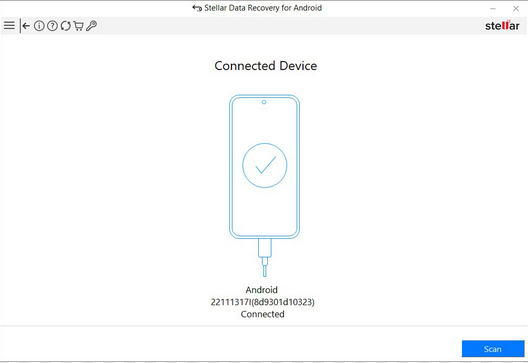
#6: Stellar Data Recovery for Android
In cases of data loss caused by corruption or deletion, Stellar Data Recovery for Android is recognized as a trustworthy program that helps restore files from mobiles and tablets. It can scan deeply for photos, videos, contacts, and call logs. The software also features an easy-to-navigate layout suitable for beginners and experts alike. Its advanced recovery algorithms increase the chance of retrieving lost data successfully.
Its Comparative Advantages over EaseUS MobiSaver for Android:
- Recovers deleted photos, messages, contacts, and more without rooting.
- Supports modern Android versions and devices.
- Uses advanced algorithms for higher recovery success rates.
- Provides selective file recovery for convenience.
Pricing Plans:
- Standard License: about $29.99-$39.99 per year.
- Premium bundles available at higher pricing.
- Often sold as a single-device license.
- Trial version allows preview.
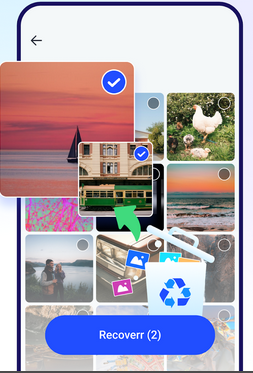
#7: File Recover - Photos, Videos
Even lightweight tools can be useful, and File Recover - Photos, Videos is designed to help users quickly rescue deleted media files from Android devices. It scans device storage to locate recoverable photos and videos that were removed unintentionally.
The app is simple to operate, making it appealing to users who want fast results without technical steps. By focusing on multimedia recovery, it offers a convenient way to restore memorable moments.
Its Comparative Advantages over EaseUS MobiSaver for Android:
- Specializes in multimedia recovery for photos and videos.
- Works directly on the device without requiring a PC.
- Often does not require root access.
- Provides filtering and quick search for lost media.
Pricing Plans:
- Free to install (ads included).
- Premium unlock (remove ads/full features): typically $5-$20 one-time.
- Some versions offer subscription options.
- Pricing varies slightly by region.
Final Words
Choosing the right data recovery tool can feel like finding a needle in a digital haystack, but with the right alternative, even the most stubborn lost files can be coaxed back to life. Please remember: lost data isn't always gone forever - it just needs the right key to unlock it.
Before performing any recovery, always back up your existing data. This prevents accidental overwrites and ensures that even if the first recovery attempt fails, your current files remain safe.
Related Articles:
EaseUS ChatTrans Review: Does It Deliver Good Results?
[2026] EaseUS MobiSaver Review: Recover Your Lost Data with Ease
9 Most Reliable SD Card Data Recovery Software/Apps 2026
6 Broken Android Data Recovery Methods to Extract Files from Your Phone
