
7 Tested UltFone Android Data Recovery Alternatives [Reliable]
Data loss on Android rarely follows a fixed pattern, which is why many users start looking for an UltFone Android Data Recovery alternative after mixed results. Recovery success can vary depending on Android brand, system version, and security restrictions, making one-size-fits-all tools less dependable. Trying alternatives helps compare scan accuracy, preview quality, and overall reliability before committing to a single solution.
With that in mind, this article takes a close look at 7 great alternatives to UltFone Android Data Recovery that approach Android recovery from different angles and priorities.
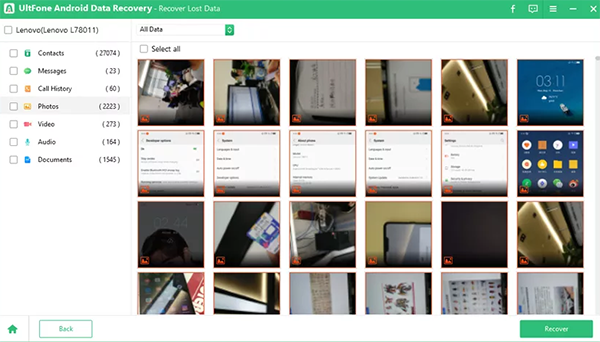
#1: Best UltFone Android Data Recovery Alternative - MobiKin Doctor for Android
For users seeking dependable recovery without relying on UltFone, MobiKin Doctor for Android (Windows/Mac) set itself apart by focusing on precision rather than flashy promises. It handles contacts, messages, call logs, photos, and more through a clean desktop workflow that feels deliberate and controlled.
The scan results are previewable, which reduces guesswork before restoring anything. This balance of transparency and depth makes it a solid UltFone Android Data Recovery alternative.
Core Features of MobiKin Doctor for Android:
- Recovers contacts, messages, call logs, photos, videos, and documents with a higher success rate.
- Supports recovery from both internal storage and SD cards.
- Allows previewing files before choosing what to restore.
- Offers quick scan and deep scan modes for different loss scenarios.
- Uses a step-by-step process that is easy to follow.
- Enables exporting existing and deleted data to a computer securely.
- Works with a wide range of Android brands and system versions.
How to use the best UltFone Android Data Recovery Alternative?
- Start by downloading and installing the Android recovery software on your computer.
- Once the installation is finished, open the program and connect your device to the computer via a USB cable. Adhere to the on-screen prompts to allow the software to identify your phone.
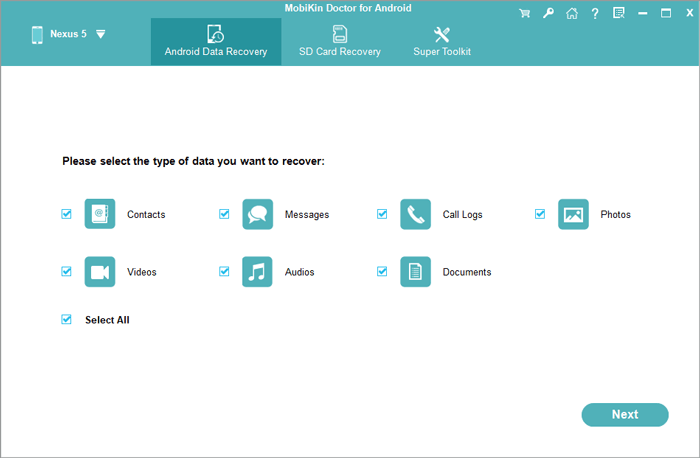
- After your device is recognized, navigate to the section where you can choose the data type like "Contacts" and then click "Next."
- If you cannot find the specific items you are looking for, consider rooting your phone according to the instructions provided in the interface for a more comprehensive scan.
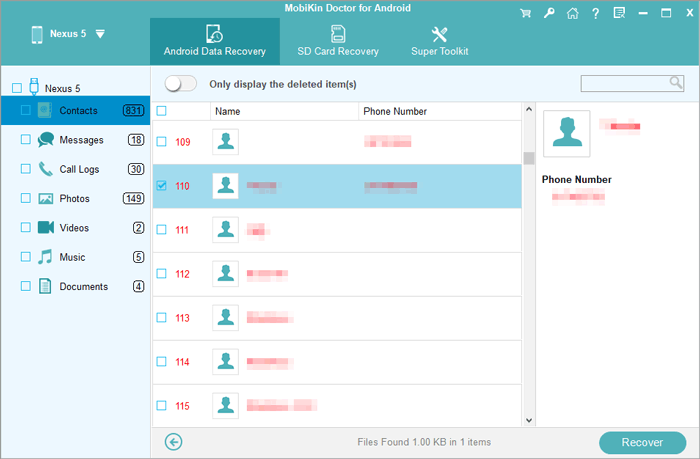
- After the scanning process is complete, a list of all available and deleted content will appear on the program interface.
- Take the necessary time to review the files and select the ones you wish to recover. Finally, click on "Recover" to save the chosen stuff to your computer.


Video Guide:
Fall Short in:
- USB debugging must be enabled in advance for full functionality.
- Deep scans may take longer on devices with large storage.
- Some older Android models (Android 6.0 or older) limit access to deleted data.
My Trial Experience:
- The scan felt steady and well-organized rather than rushed. I liked being able to preview contacts and messages before restoring anything, which reduced unnecessary recovery. The trial version mainly focused on showing what was recoverable, not exporting it, but that was enough to judge accuracy. Overall, it gave a strong sense of control compared with many UltFone-style tools.
#2: Aiseesoft FoneLab Android Data Recovery
When data loss happens unexpectedly, Aiseesoft FoneLab Android Data Recovery offers a structured approach that appeals to cautious users. Instead of rushing the process, it emphasizes selective recovery and readable previews across multiple file categories.
Compatibility with a wide range of Android brands adds practical value in mixed-device environments. These traits position it well as a reliable substitute for UltFone-style recovery tools.
Fall Short in:
- Most recovery features are unavailable in the free version.
- Root access is needed for certain data categories.
- Recovery results depend heavily on Android system restrictions.
My Trial Experience:
- Testing Aiseesoft FoneLab left me with mixed but mostly positive impressions. The interface was straightforward, and the scan results were clearly categorized, making navigation easy. Some deeper recovery options were restricted during the trial, which limited hands-on testing. Still, it demonstrated reliable detection and recover several deleted WhatsApp files.
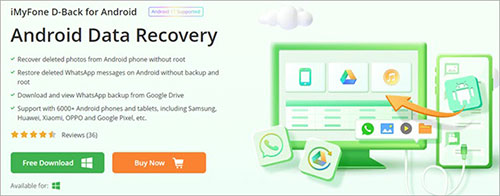
#3: iMyFone D-Back for Android
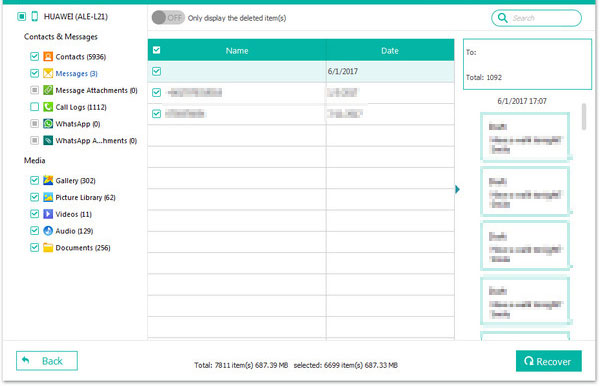
In situations where backups are missing or incomplete, iMyFone D-Back for Android brings flexibility that many users appreciate. It supports recovery from internal storage, SD cards, and even damaged systems under certain conditions. The interface favors guided steps, which lowers the entry barrier for non-technical users. This combination makes it a credible alternative to UltFone Android Data Recovery for everyday scenarios.
Fall Short in:
- The trial version mainly supports scanning rather than restoring data.
- Recovery success varies based on device damage and overwrite status
- Advanced recovery modes can be confusing for first-time users.
- Pricing is relatively high compared to entry-level alternatives.
My Trial Experience:
- My experience with iMyFone leaned toward flexibility rather than speed. It offered several recovery modes, which was useful but slightly overwhelming at first. The trial allowed me to scan and preview, though full restoration required an upgrade. Even so, the variety of recovery paths made it a great product for WiFi recovery.
#4: AirMore Android Data Recovery
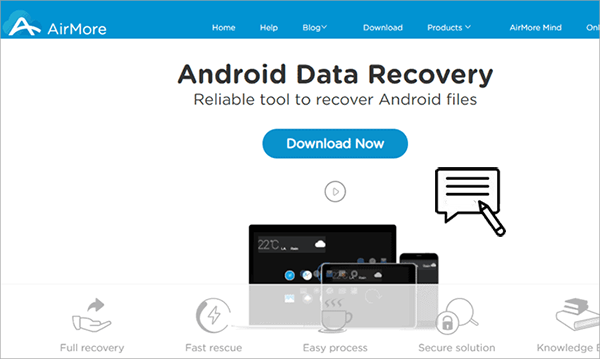
For those who prefer lighter tools without complex setup, AirMore Android Data Recovery delivers a more streamlined experience. It focuses primarily on common data types such as photos, videos, and documents, keeping the process straightforward. The minimal learning curve makes it suitable for quick recovery attempts. As an UltFone alternative, it trades depth for speed and simplicity.
Fall Short in:
- Support for messages and app data is very limited.
- Scan settings offer little room for customization.
- Not suitable for phones with serious system corruption.
- Overall recovery depth is weaker than desktop-based tools.
My Trial Experience:
- Trying AirMore was noticeably lighter compared with desktop-heavy solutions. The scan focused mainly on photos and videos, which suited quick recovery needs. I found the process easy to follow, but the limited data types became obvious during testing. It works better as a basic UltFone alternative rather than a full replacement.
You Might Also Enjoy: AirMore Android Data Recovery Review? Is This Tool Dependable?
#5: PhoneRescue for Android
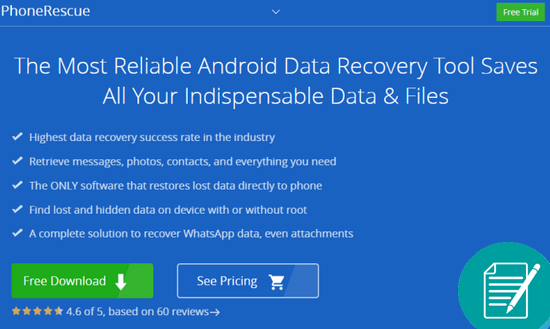
A recovery process that feels closer to system-level repair is what PhoneRescue for Android aims to provide. It goes beyond standard scans by addressing issues like stuck boot loops or inaccessible storage. The tool also supports selective restoration, avoiding unnecessary clutter after recovery. These capabilities allow it to function as a strong UltFone Android Data Recovery replacement.
Fall Short in:
- Root permission is often required for deep-level recovery.
- Full scans can be time-consuming on older devices.
- Meaningful recovery requires purchasing the premium version.
- Certain file types are not consistently recoverable.
My Trial Experience:
- With PhoneRescue for Android, the trial felt closer to a repair-oriented experience than simple recovery. The tool spent time analyzing the device, which suggested deeper access, though the scan took longer. Previewing results was helpful, even if exporting required payment. It seemed well-suited for complex cases where lighter tools fall short.
#6: Tenorshare UltData for Android
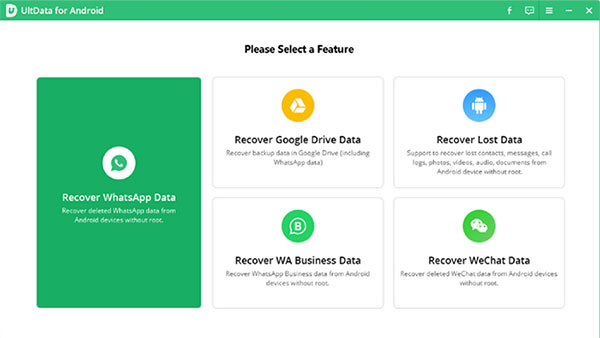
When users want recovery paired with device repair features, Tenorshare UltData for Android offers a broader toolkit. It works with messages, media files, and app data while maintaining a clear recovery path. The emphasis on compatibility across Android versions reduces friction during use. This makes it a practical UltFone alternative for users who want both recovery and stability.
Fall Short in:
- The free version does not allow exporting recovered files.
- Recovery effectiveness differs noticeably across phone brands.
- Some functions are restricted on newer Android versions.
- Subscription-based pricing may increase long-term costs.
My Trial Experience:
- Using Tenorshare UltData for Android during the trial was smooth but clearly restricted. The scan results appeared quickly and were neatly organized, yet exporting data was locked. I noticed performance varied slightly depending on file type. As an UltFone alternative, it felt familiar but not dramatically different in trial limitations.
#7: Data & Photo Recovery
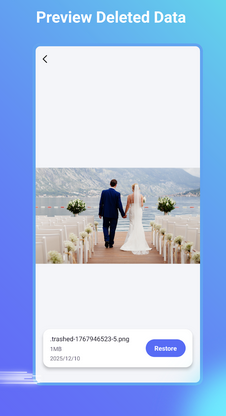
For mobile-first users who favor on-device solutions, Data & Photo Recovery provides a different angle. It operates directly on Android phones, focusing on scanning storage for lost media without a computer. While simpler in scope, it performs reliably for accidental deletions. As an UltFone Android Data Recovery alternative, it suits users who value convenience over advanced controls.
Fall Short in:
- Primarily supports photos and videos only.
- Contacts, messages, and app data are not recoverable.
- Scan depth is limited compared with computer-based software.
- Advertisements may appear in the free edition.
My Trial Experience:
- My trial of Data & Photo Recovery was the most mobile-focused experience of all. Running directly on the phone was convenient, especially for quick photo scans. However, the lack of support for contacts or messages became a clear limitation. It works best for simple media recovery rather than full data restoration.
In Conclusion
If Android data recovery were a test rather than a gamble, the right tool would be the one that shows its work instead of hiding behind promises. Among the options discussed, MobiKin Doctor for Android proves to be the most balanced choice because it focuses on readable previews, controlled recovery, and consistent behavior across devices.
Rather than chasing every possible data type, it concentrates on doing core recovery tasks accurately and transparently. That steady performance is exactly what many users are missing when they move away from UltFone.
Related Articles:
UltFone Android Unlock Review: Does It Deserve Your Attention?
UltFone Android System Repair Review: Is This Tool Worth It?
A Detailed UltFone Phone Transfer Review: Is It Up to the Task
Top 15 Best iPhone Data Recovery Software - A Detailed Comparison
