
Top 7 Best LetsView Alternatives & Similar Apps [Latest Info]
I'm looking for freeware like LetsView to let Android phones or iPhones mirror to Windows 10/11. -- from Reddit
Screen sharing often begins as a simple need, yet expectations grow once delays, limited interaction, or unstable links appear. Many users start searching for a LetsView alternative when they realize they need full keyboard and mouse control rather than passive viewing. Others look for smoother, low-latency mirroring that can keep up with work, demos, or mobile gaming.
This article focuses on 7 alternatives, each offering a different approach to overcoming the limits found in basic casting tools.
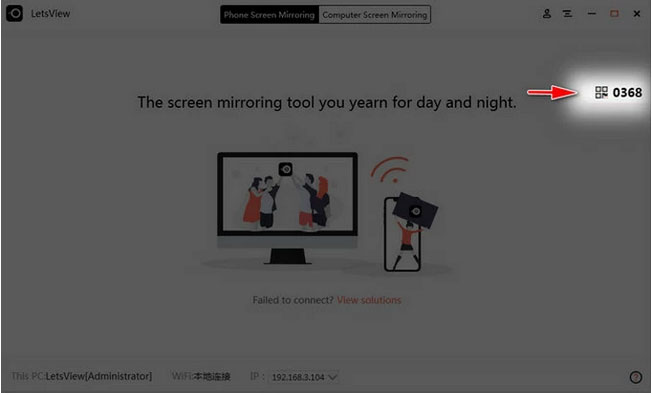
Top 1: Best LetsView Alternative - Screen Mirror
Designed for cross-screen viewing, Screen Mirror provides a practical way to cast a phone display onto a computer without much setup. It supports both Android and iOS devices, which makes it useful when switching between platforms. Touch and keyboard control from the desktop helps during demos, chats, or gameplay. As an alternative to LetsView, it fits users who want stable mirroring with basic interaction tools.
|
Category
|
Screen Mirror - Key Features
|
Pros Over LetsView
|
|
Supported Platforms
|
Works with Android & iOS devices |
Broader official support, especially for interactive control |
|
Interaction Mode
|
Full control with keyboard and mouse |
LetsView primarily mirrors only, with limited control |
|
Connection Types
|
USB & Wi-Fi supported |
Wired USB offers more stable, low-latency mirroring |
|
Usability
|
Simple, guided setup |
Easier onboarding for non-technical users |
|
Additional Tools
|
Screenshot & screen recording built in |
LetsView usually requires extra steps or tools |
|
Real-Time Responsiveness
|
Smooth interaction with low delay |
Often more responsive when USB is used |
|
Gaming & App Control
|
Gamepad & keyboard support |
LetsView mirrors but doesn't optimize gameplay control |
Here is a simple guide to help you mirror your Android or iPhone screen to your computer with Screen Mirror:
- Install and open the software on your computer, then link your Android device using a USB cable (Assuming you're using an Android phone).
- Once the phone is recognized, select "Transfer files" as the connection mode.
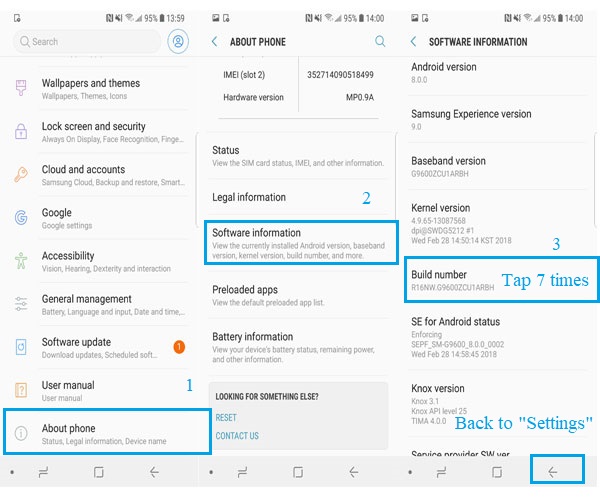
- Turn on USB debugging by opening Settings > About phone > Software information, and tapping Build number seven times until developer mode is activated.
- Return to Settings, enter Developer options, and enable USB debugging.
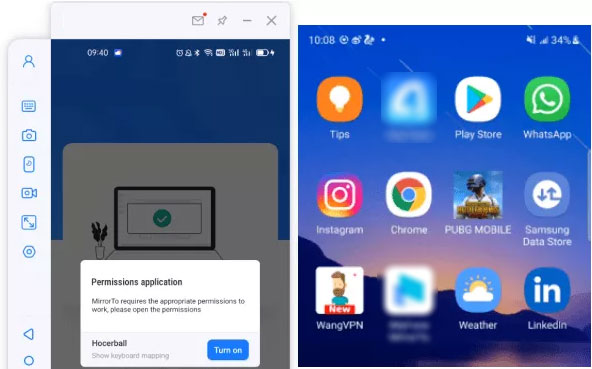
- Grant permission for the program to show its interface on your computer, then click "Turn on" to install the Screen Mirror APK on your phone.
- When setup is complete, your Android screen will appear on the PC, allowing you to operate apps smoothly with a keyboard and mouse.


How Does It Compare Favorably to LetsView?
- Offers direct phone control from PC, including keyboard input, which LetsView doesn't fully support.
- Works with both Android and iOS, with smoother interaction.
- Provides gamepad support for mobile game mirroring.
- Includes recording and screenshot tools built into the interface.
My Personal Take:
- It feels balanced between ease of use and practical control features. Screen response stays smooth during daily tasks. I find it especially handy when working across both Android and iOS devices.
Top 2: Scrcpy
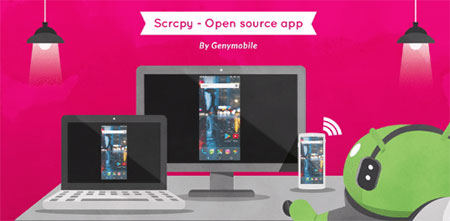
Built around command-line simplicity, Scrcpy focuses on fast screen projection with very low delay. It runs over USB or Wi-Fi and does not require installing extra apps on the phone. Visual quality stays clear even during long sessions, making it suitable for development or testing tasks. Compared with LetsView, this option appeals more to technical users who prefer speed over visual polish.
How Does It Compare Favorably to LetsView?
- Delivers very low latency mirroring over USB or Wi-Fi, ideal for real-time use.
- Does not require extra apps on the phone, simplifying setup.
- Offers adjustable bitrate & resolution for performance tuning.
- Is open-source and free without feature restrictions.
My Personal Take:
- Speed is its strongest point, with almost no noticeable delay. The plain setup may look technical at first, but it pays off in performance. I see it as a tool built for efficiency rather than comfort.
Top 3: AnyMiro
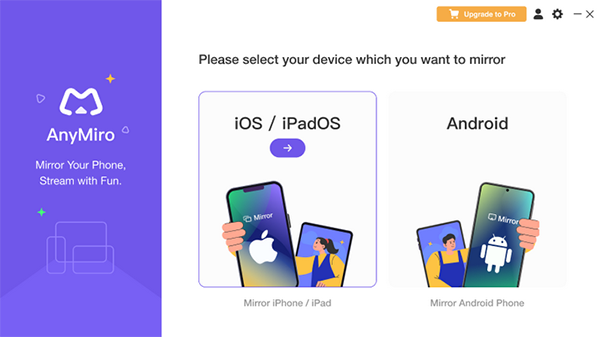
Aimed at casual casting needs, AnyMiro allows phones to be mirrored to larger screens for viewing or presentation. Connection steps are kept minimal, which helps first-time users get started quickly. It works well for showing videos, photos, or apps during meetings. As a LetsView substitute, it suits people who value ease of use over advanced controls.
How Does It Compare Favorably to LetsView?
- Prioritizes a simple and quick connection process, especially for beginners.
- Has lightweight performance even on older machines.
- Supports multiple device types with a clean interface.
- Includes basic presentation features for casual use.
My Personal Take:
- Getting started takes very little effort, which makes it friendly for casual use. It works well for basic sharing without distractions. I'd choose it when simplicity matters most.
Top 4: Vysor
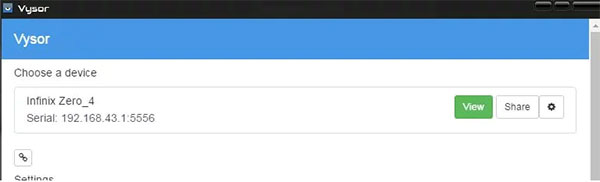
Created for both personal and work scenarios, Vysor enables phone screens to appear on a PC with optional remote control. Higher display quality is available for those who need sharper visuals. File access and screenshot tools add convenience during daily use. In place of LetsView, it fits users who want more desktop-style interaction with their devices.
How Does It Compare Favorably to LetsView?
- Allows full remote control of mobile screens (with optional high-quality mode).
- Supports file drag-and-drop, which LetsView lacks.
- Can share screens across networks with stable performance.
- Provides screenshot and recording features inside the main window.
My Personal Take:
- It offers deeper interaction than standard casting tools. The clearer display mode makes long sessions easier on the eyes. I think it suits users who want more control over their phones from a computer.
Top 5: GoToMyPC
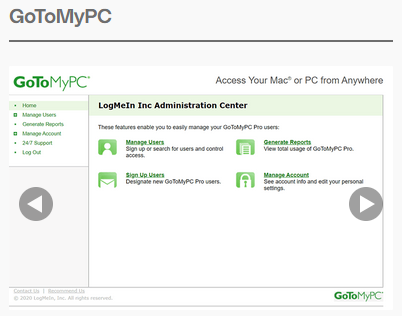
Focused on remote access rather than simple casting, GoToMyPC makes it possible to view and manage another computer from afar. Mobile screens can be shared indirectly through full desktop control. Strong security options make it suitable for business environments. When compared to LetsView, it works better for remote work than for quick local mirroring.
How Does It Compare Favorably to LetsView?
- Grants full remote desktop access to a computer, not just a phone screen.
- Delivers enterprise-grade security and session encryption.
- Is optimized for long-distance remote work, surpassing simple mirroring.
- Supports multiple monitors and multi-user sessions.
My Personal Take:
- This one feels designed for remote work rather than quick mirroring. Security and stability stand out during extended use. I rely on it more for managing systems than viewing mobile screens.
Top 6: TeamViewer
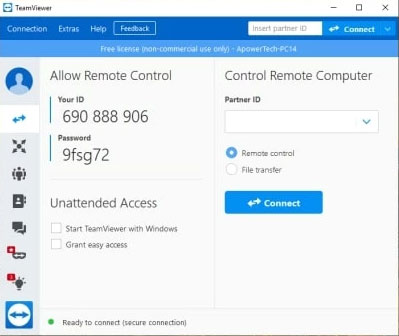
Known for wide compatibility, TeamViewer supports screen sharing across phones, tablets, and computers worldwide. It handles both mirroring and remote control within one interface. The connection remains steady even over long distances. As an alternative to LetsView, it is more fitting for support and collaboration tasks.
How Does It Compare Favorably to LetsView?
- Built for cross-platform remote control with strong reliability.
- Includes file transfer, chat, and session logging.
- Connects easily over different networks and firewalls.
- Offers team collaboration tools beyond basic screen sharing.
My Personal Take:
- Connection reliability remains its biggest strength. Built-in collaboration tools make remote help straightforward. It can feel heavier than needed for simple mirroring.
Top 7: AnyDesk
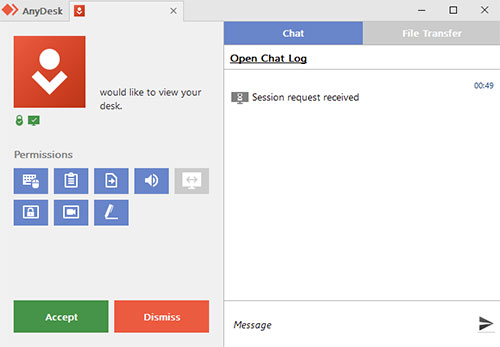
Designed with speed in mind, AnyDesk delivers responsive screen sharing even on slower networks. It supports mobile-to-PC viewing with low delay. Permission settings allow controlled access during sessions. Replacing LetsView, it stands out for users who need a quick response during remote interactions.
How Does It Compare Favorably to LetsView?
- Provides highly responsive screen updates with minimal lag.
- Has lightweight clients for faster load and connection times.
- Supports secure unattended access with permission presets.
- Integrates clipboard sharing between devices for seamless workflow.
My Personal Take:
- Response time stays impressive even under weaker networks. The lightweight design keeps sessions smooth. I prefer it when fast interaction is the top priority.
Concluding Thoughts
After weighing these options, one solution stands out for combining direct interaction with consistent performance: Screen Mirror. Unlike methods that rely mainly on wireless projection, it delivers more dependable results through flexible connection modes and practical control tools.
The ability to operate apps with a keyboard and mouse, record screens, and maintain clarity during long sessions gives it an edge over the rest. Instead of switching between multiple tools, this approach keeps everything in one place and under control.
Related Articles:
LetsView Review 2026: Is It Worth Trusting? [SOLVED]
Fix "Android Touch Screen Not Working - Can't Unlock" Issues in 12 Methods
How to Transfer Files from PC to Android? 8 Efficient Methods 2026
